€0
Every feature, for everyone. Supports, hollowing and the layer check are all in the one free download, and you use it without signing up.
Free, open-source resin slicer for MSLA and SLA printers
Support a model, hollow it, slice it, and see every island and suction cup on your screen before the printer finds them on the film. Written in Rust, it runs offline on your computer or in a browser tab, and your files stay with you.
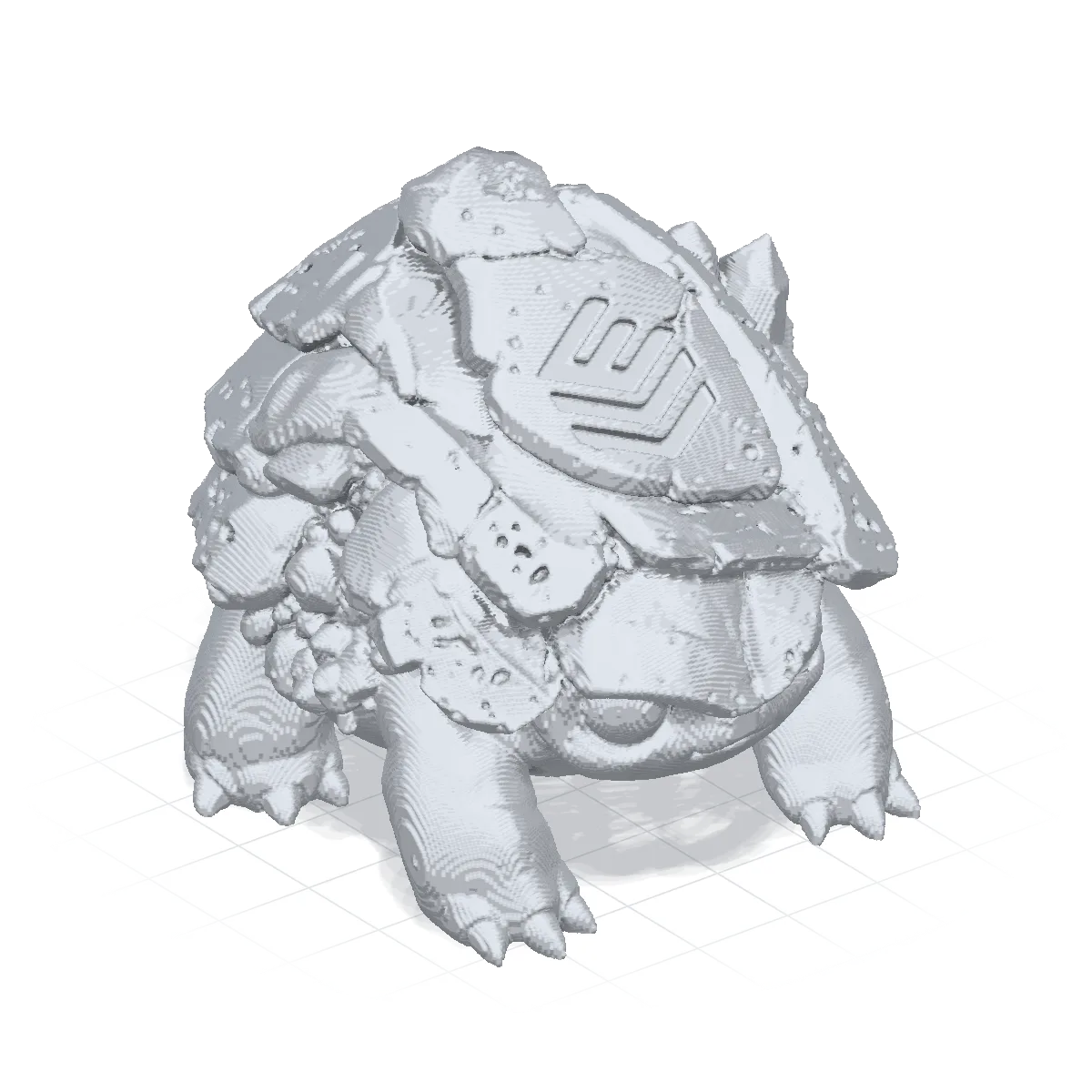
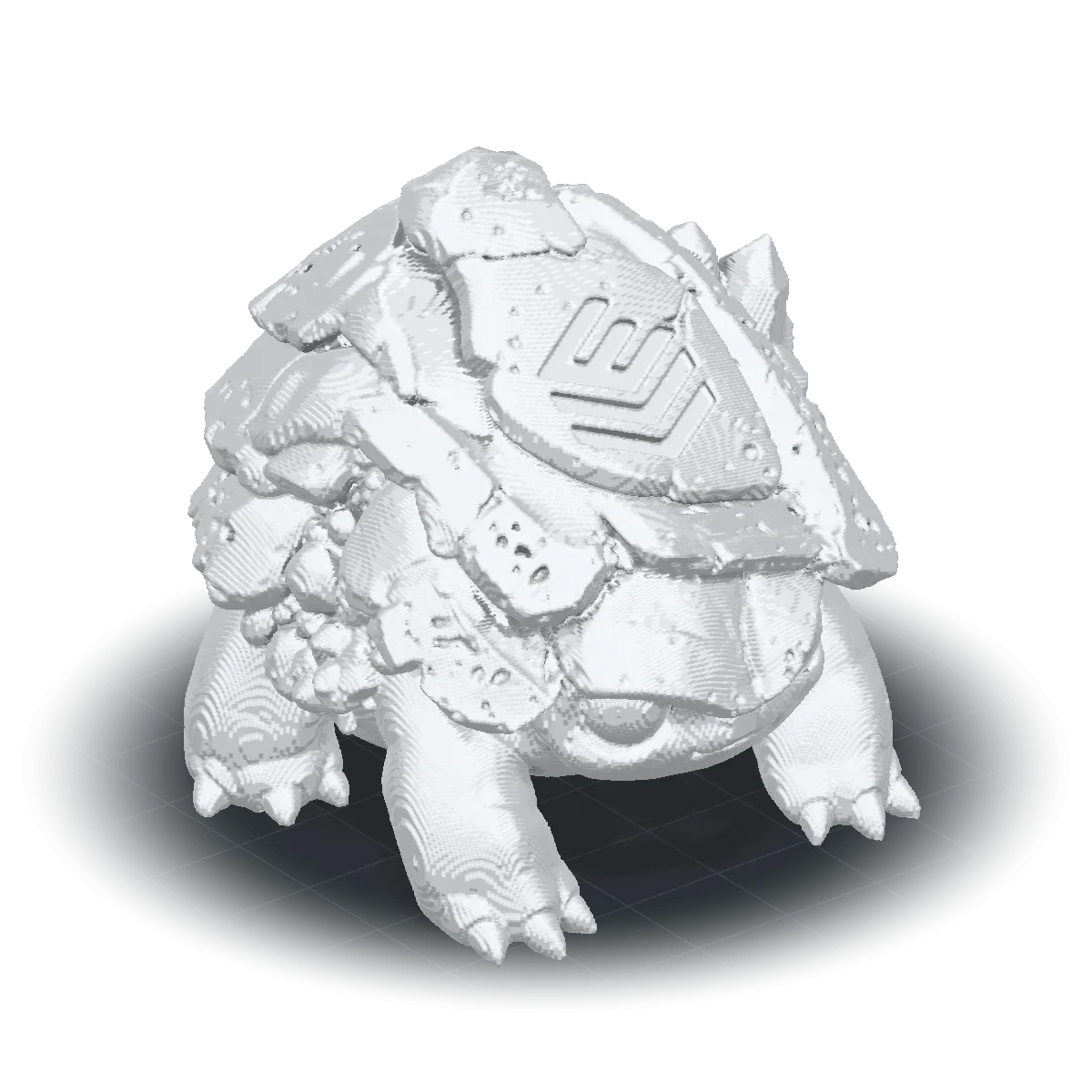
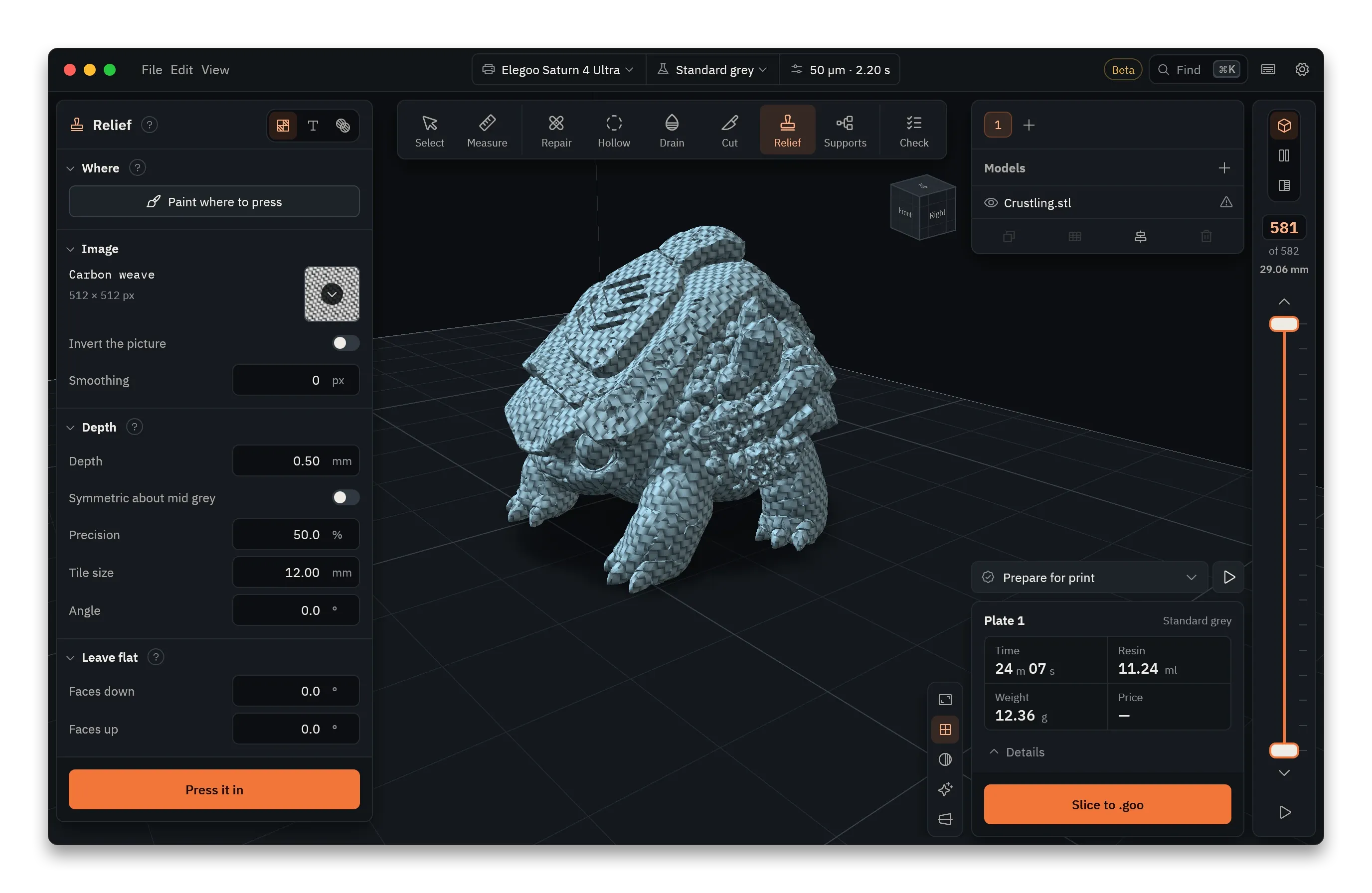
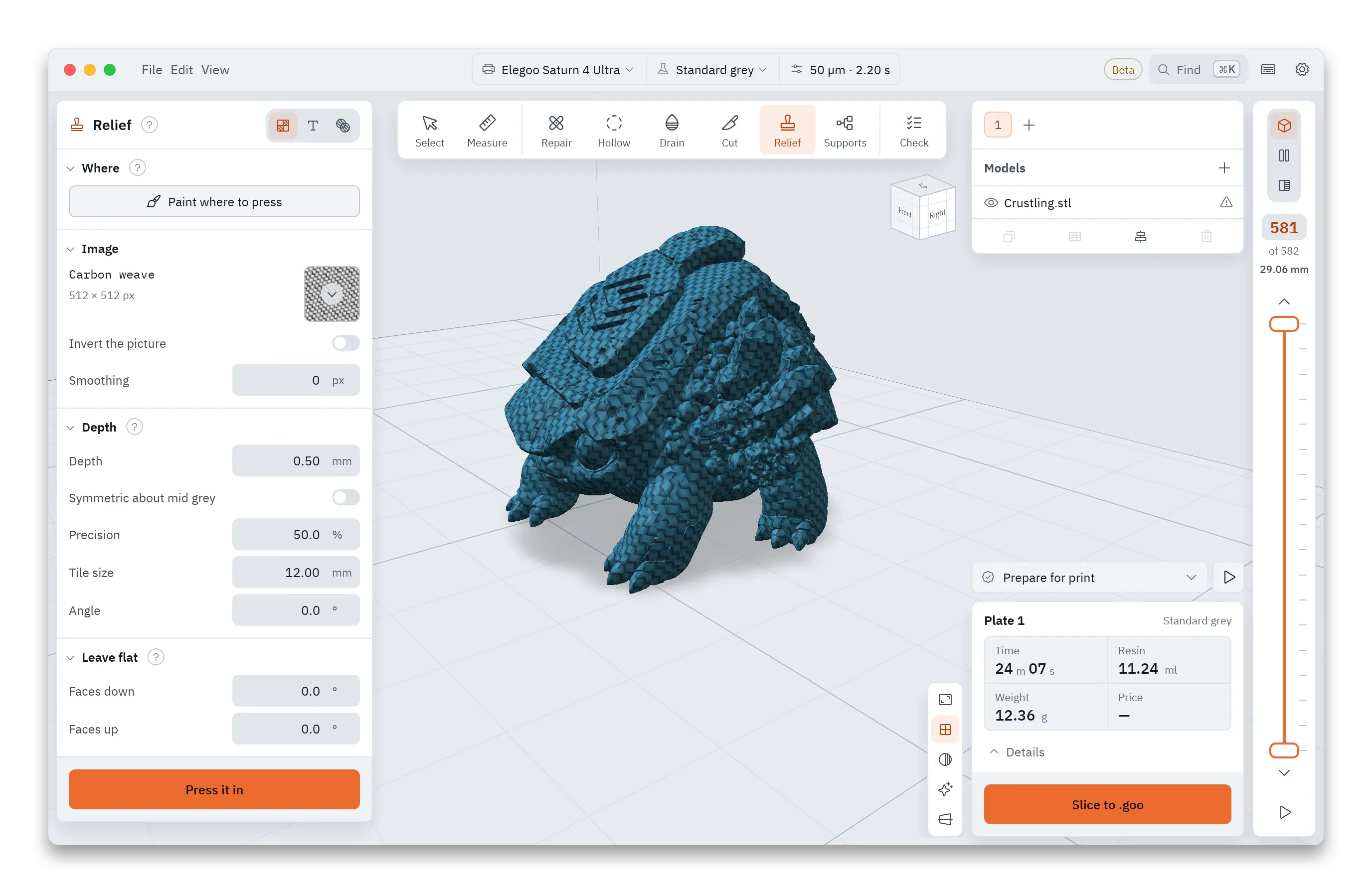
Relief. Press a picture into a model's surface at the depth, tile size and angle you set, or use the texture the model came with.
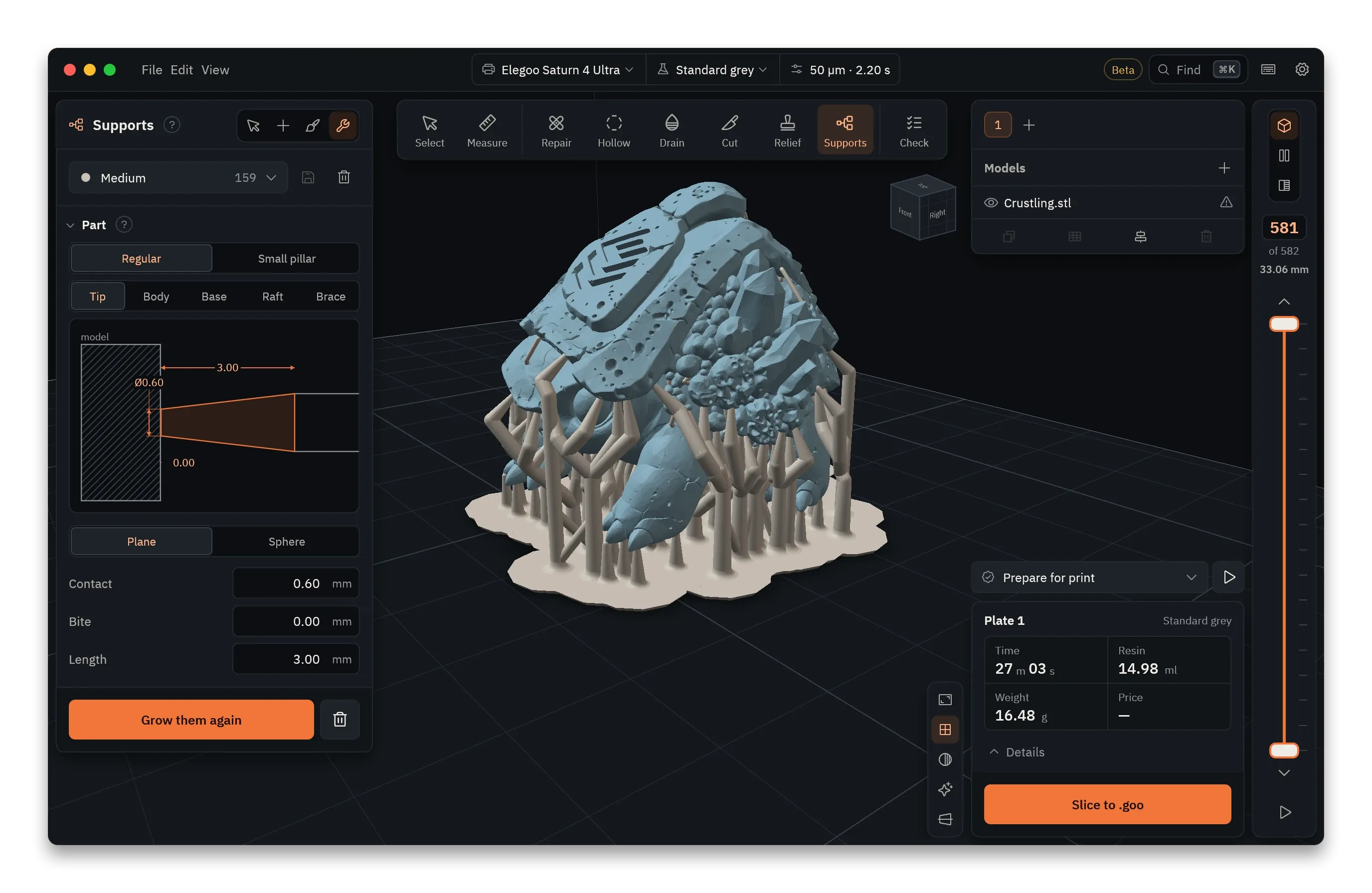
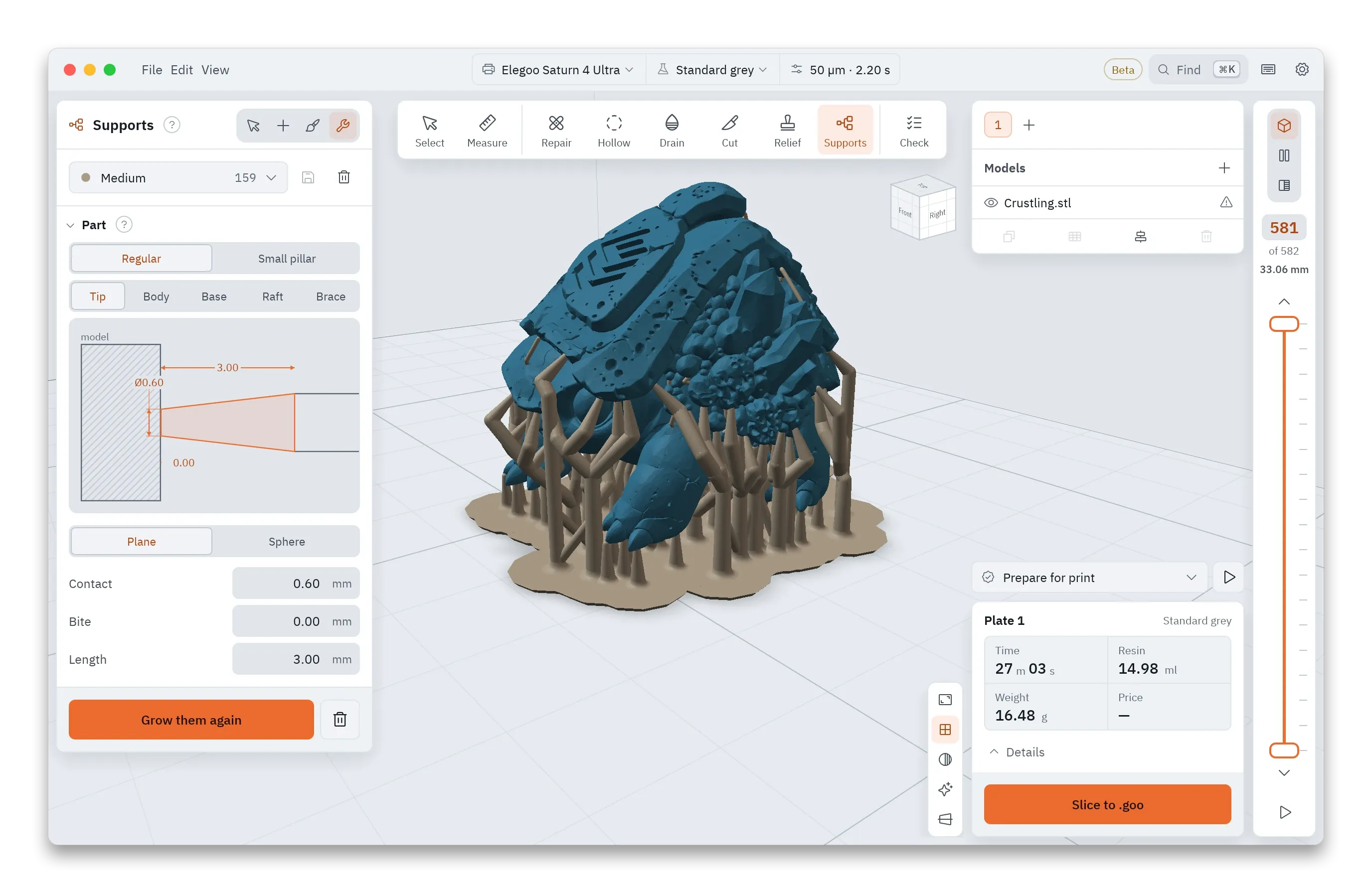
Shape. Every part of a support, from the tip to the raft, has its own numbers and a scale drawing that changes as you type.
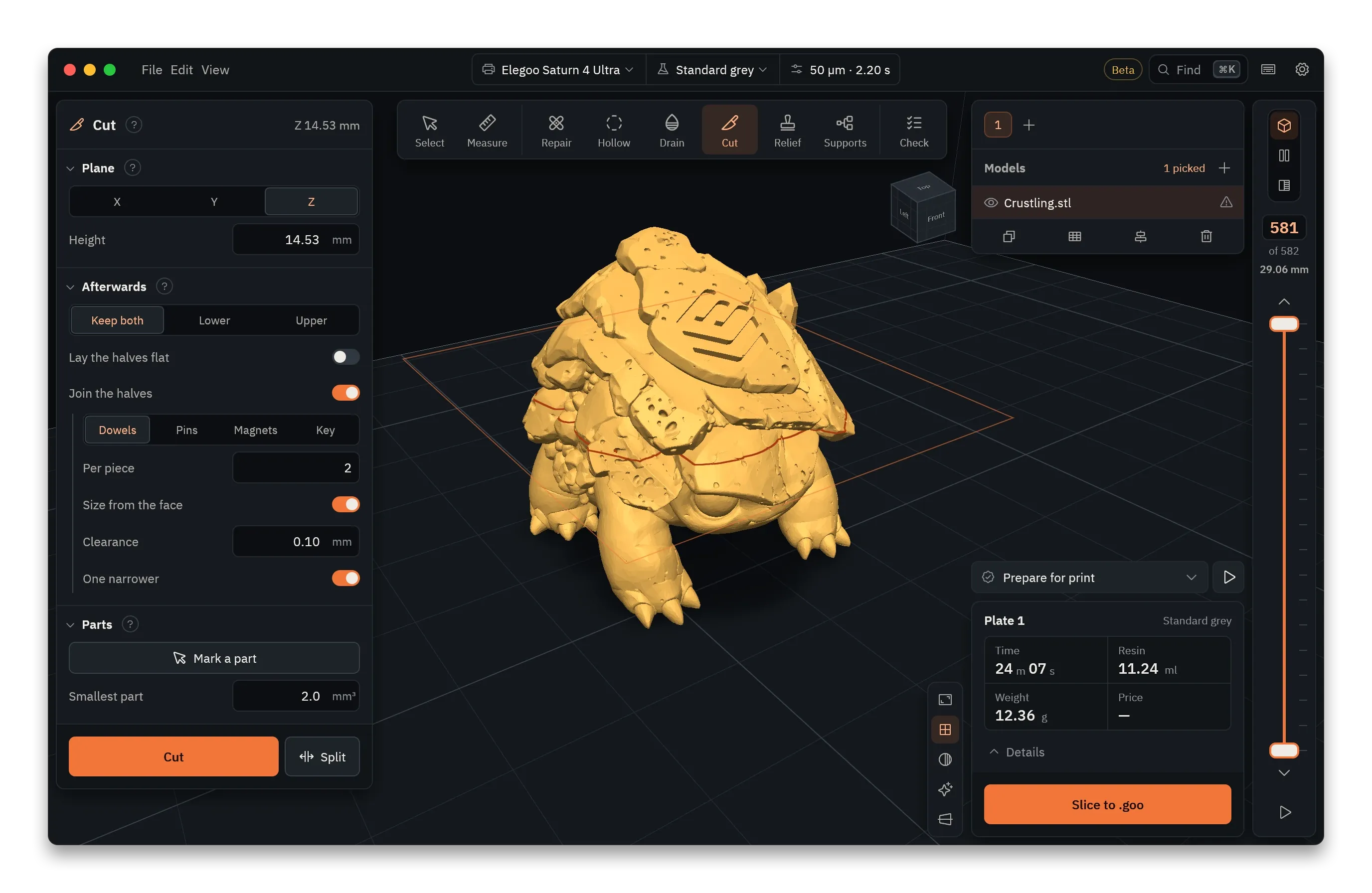
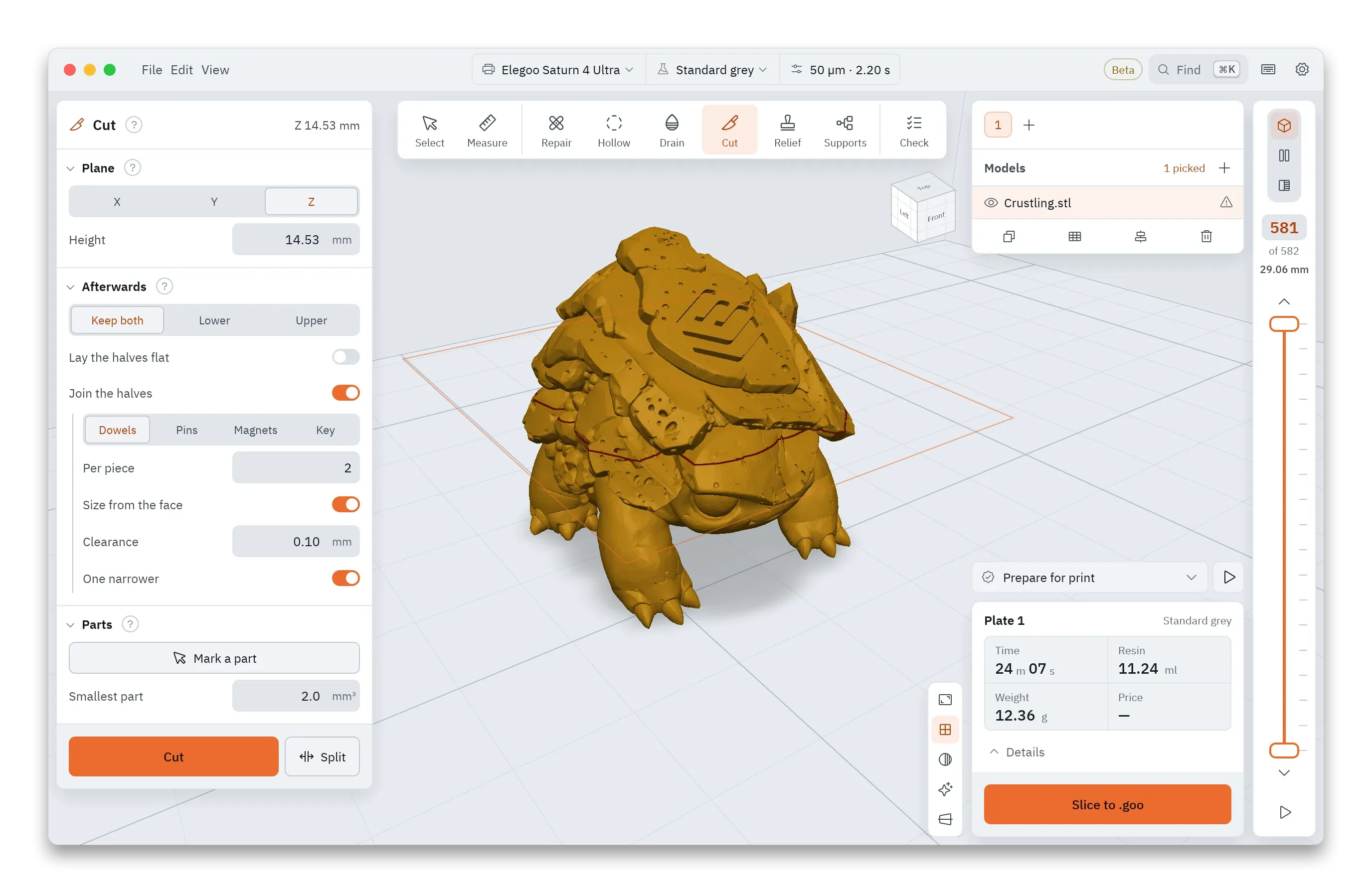
Cut. Split a model that is too big for the plate, then join the halves again with dowels, pins, magnets or a key.
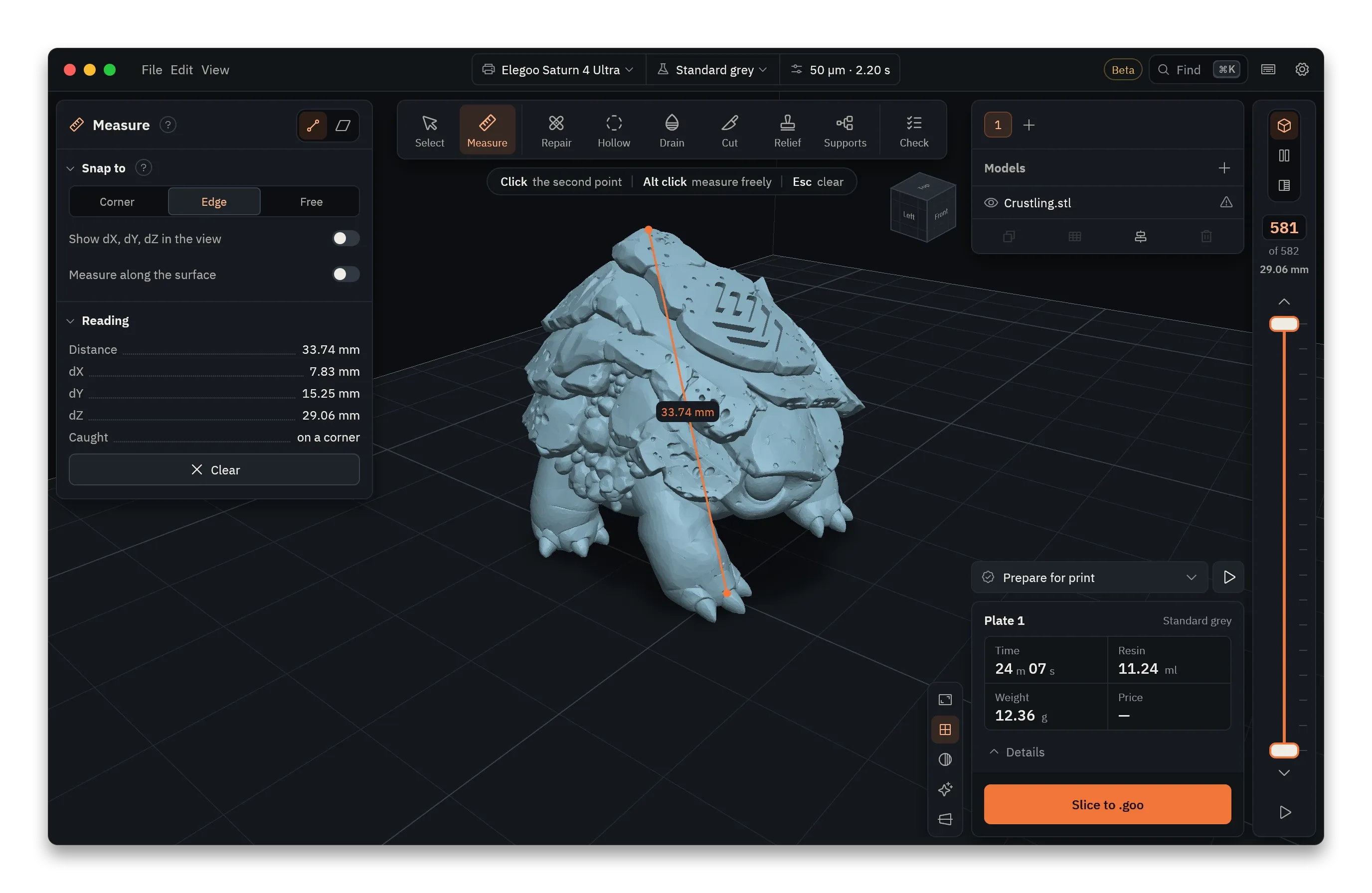
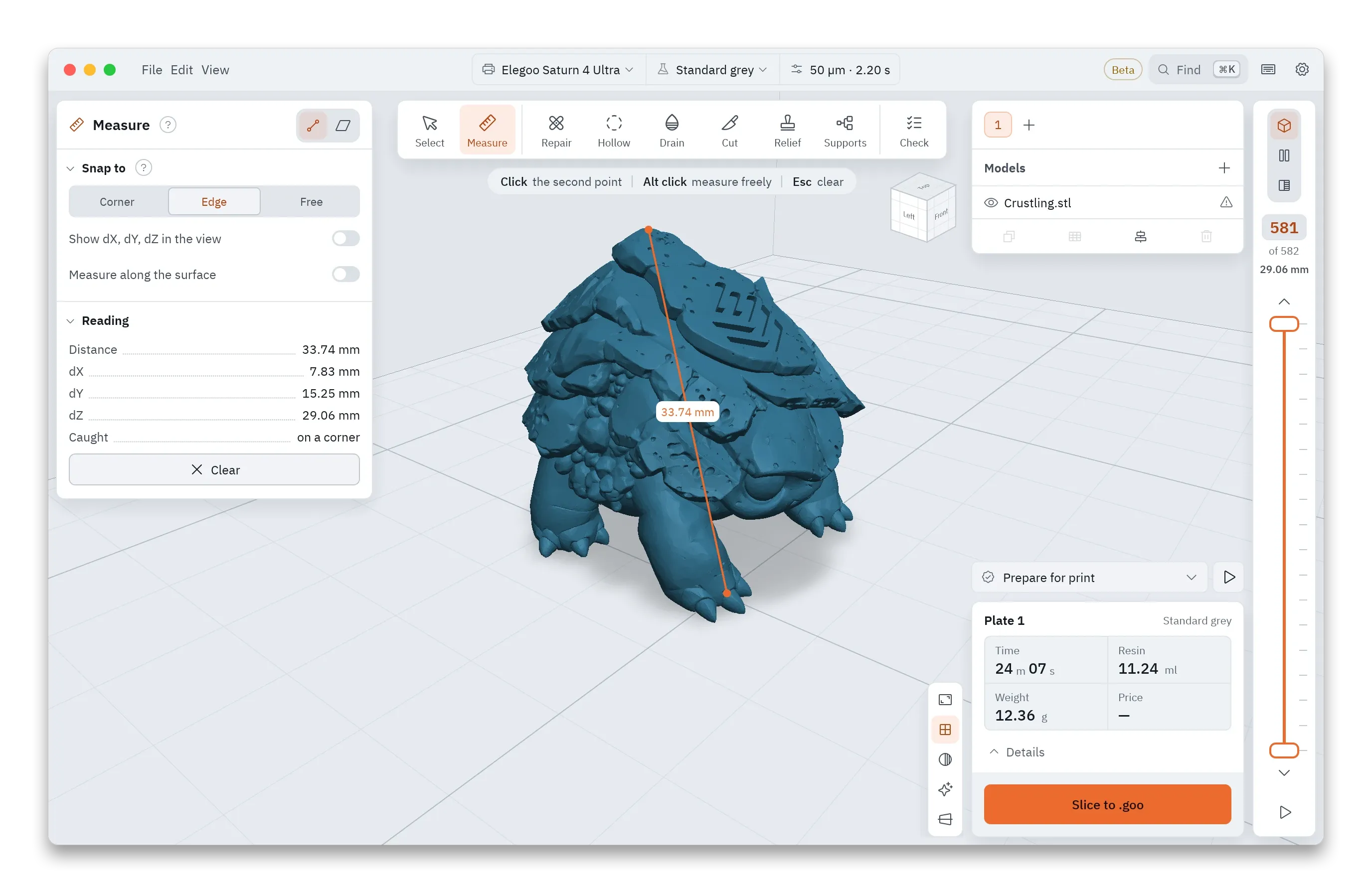
Measure. Measure between two points or two faces. Two faces give the gap and the angle between them.
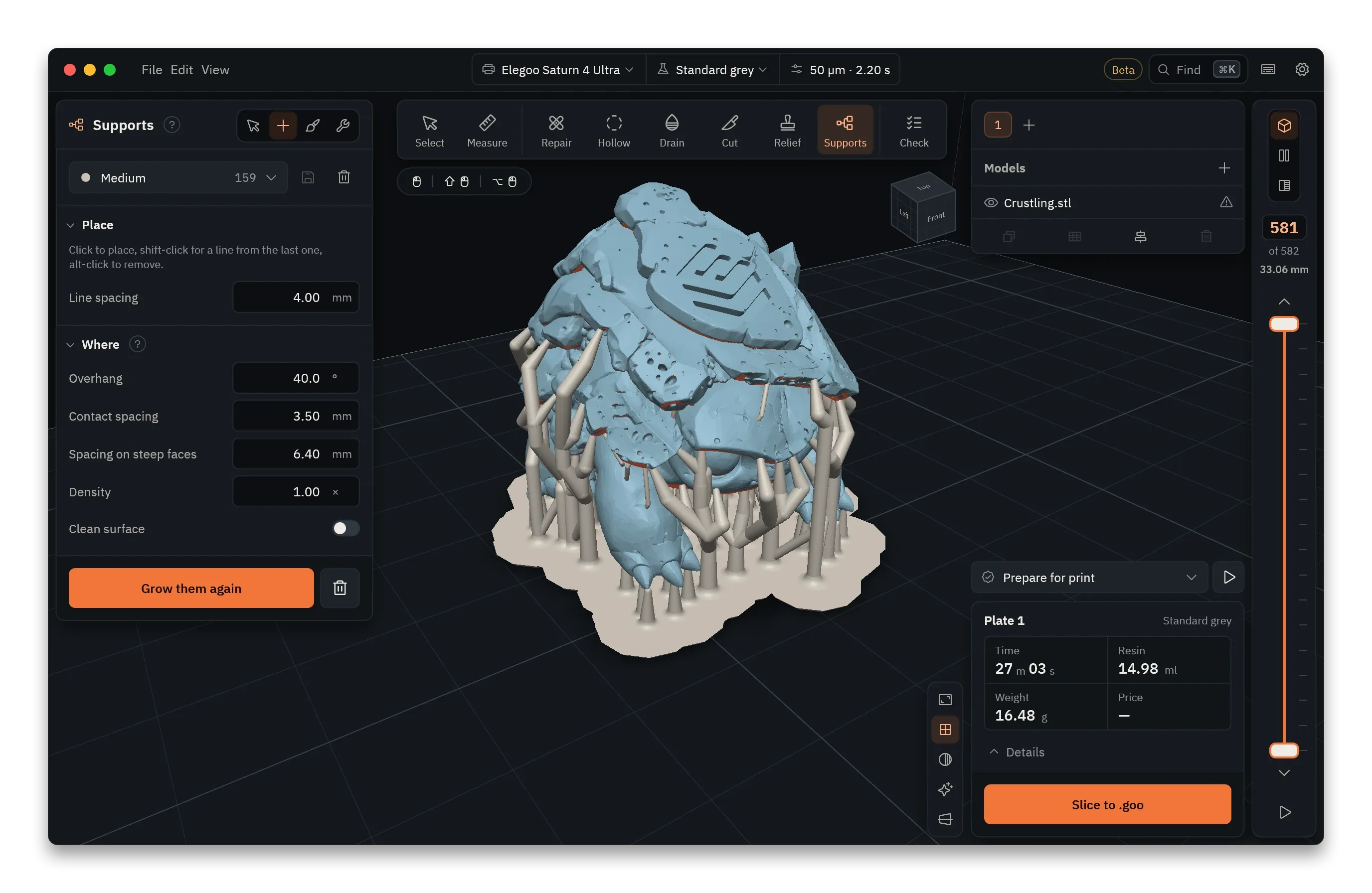
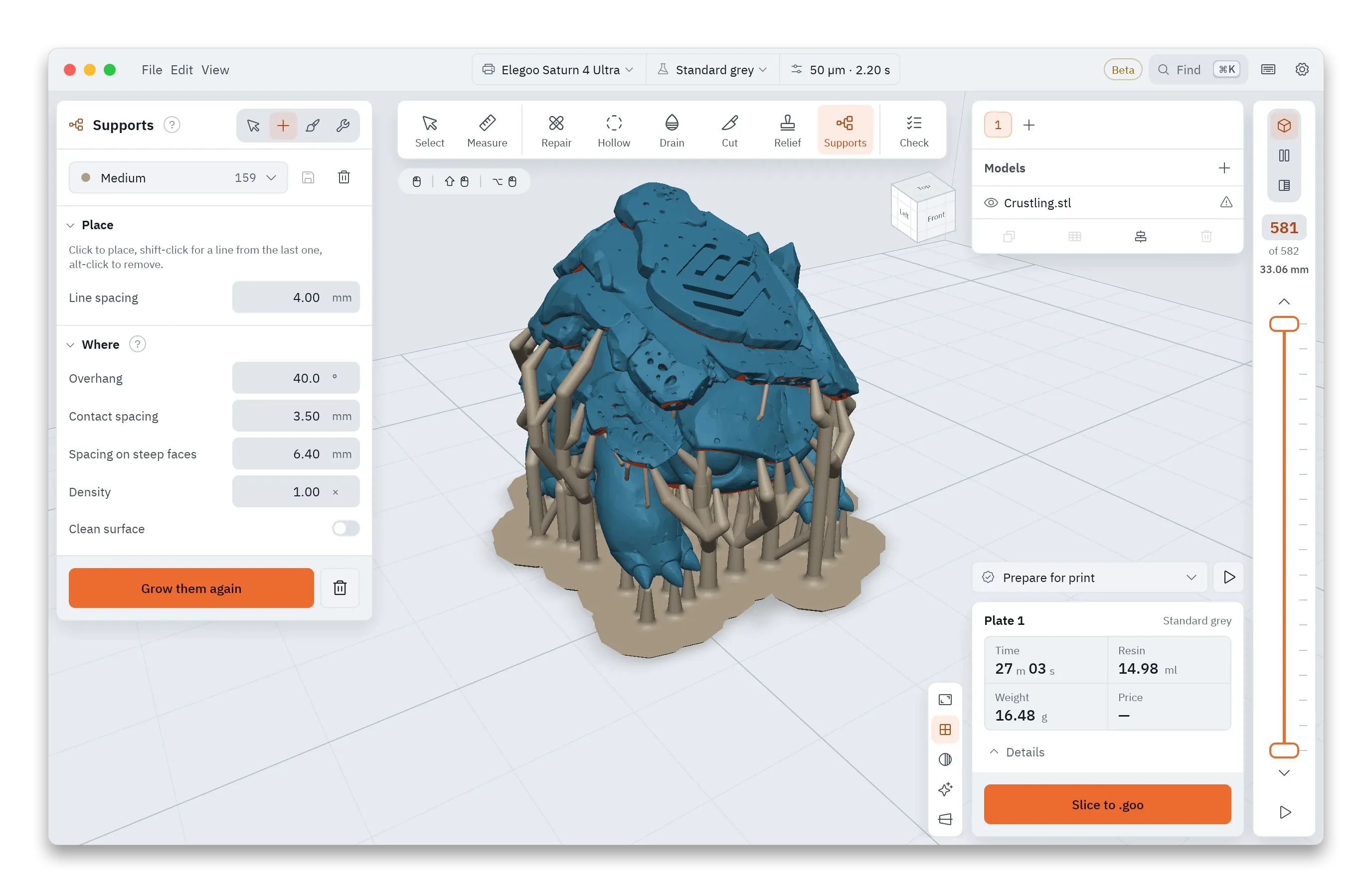
Paint. Place supports one at a time, click out a line of them, or paint where they must go and where they must not.
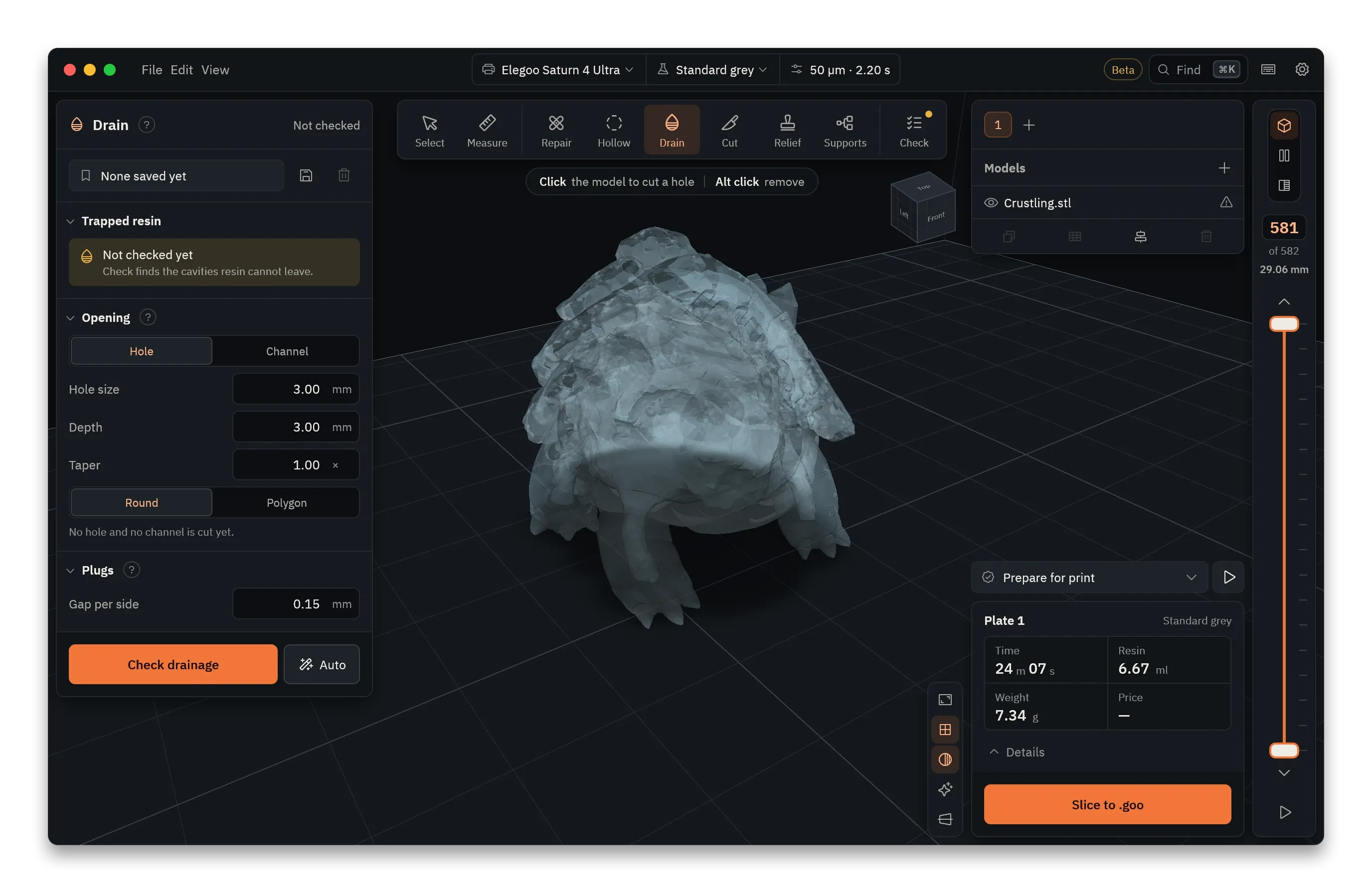
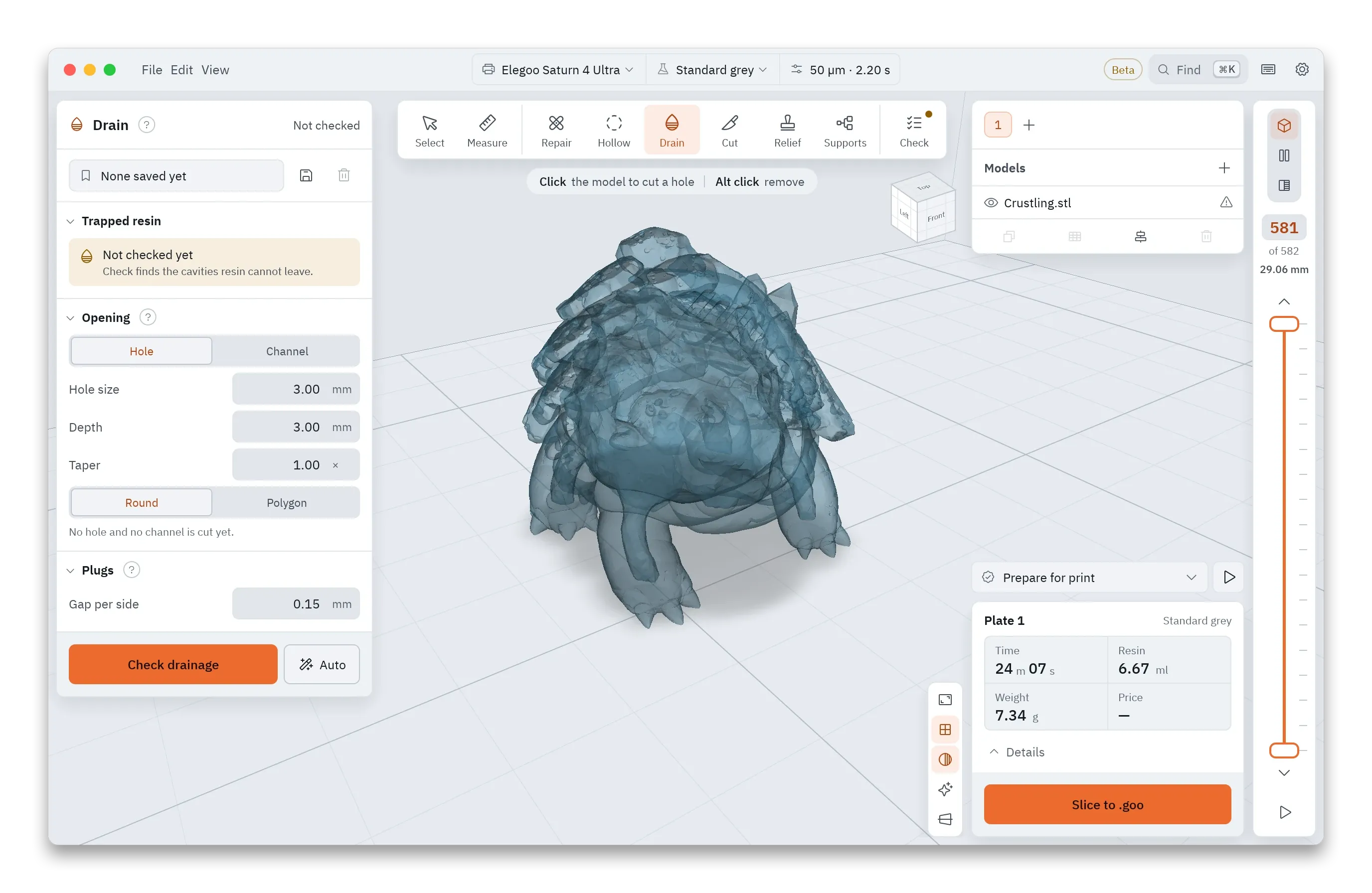
Drain. Cut holes or channels so uncured resin can run out of a hollow model, then check that none stays trapped inside.
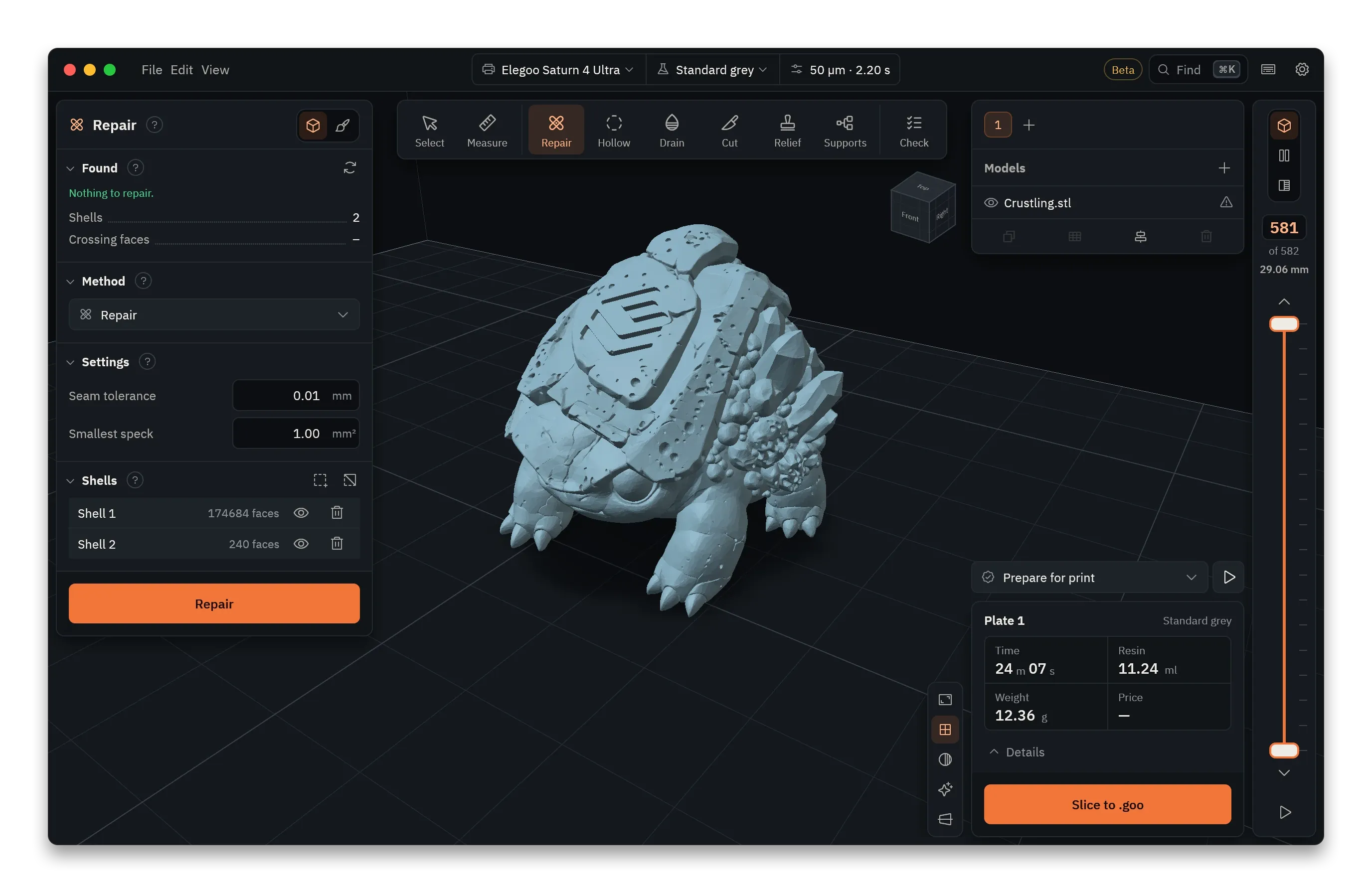
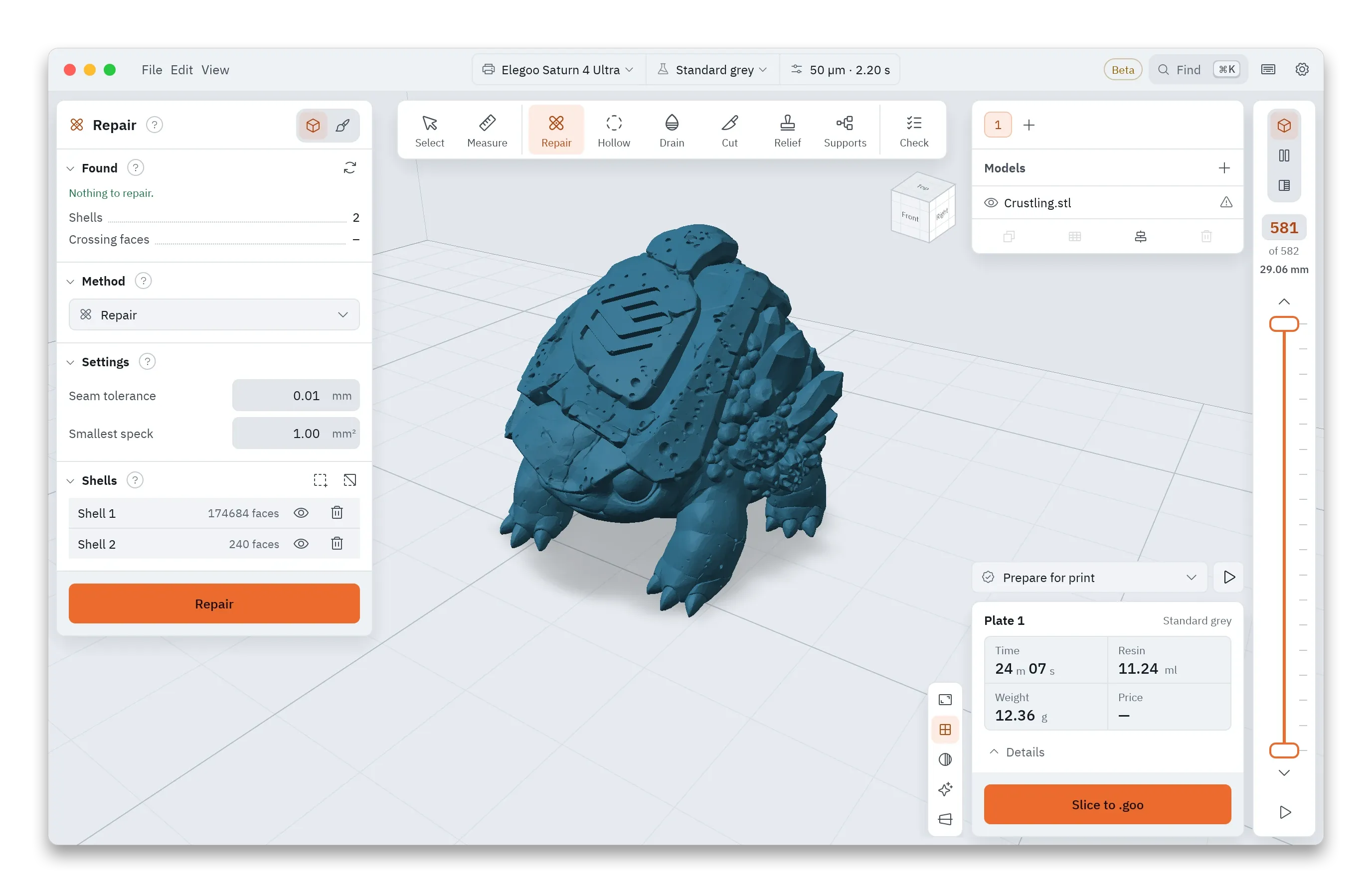
Repair. Find holes, broken edges, flipped faces and loose shells, and repair the mesh by the method you pick.
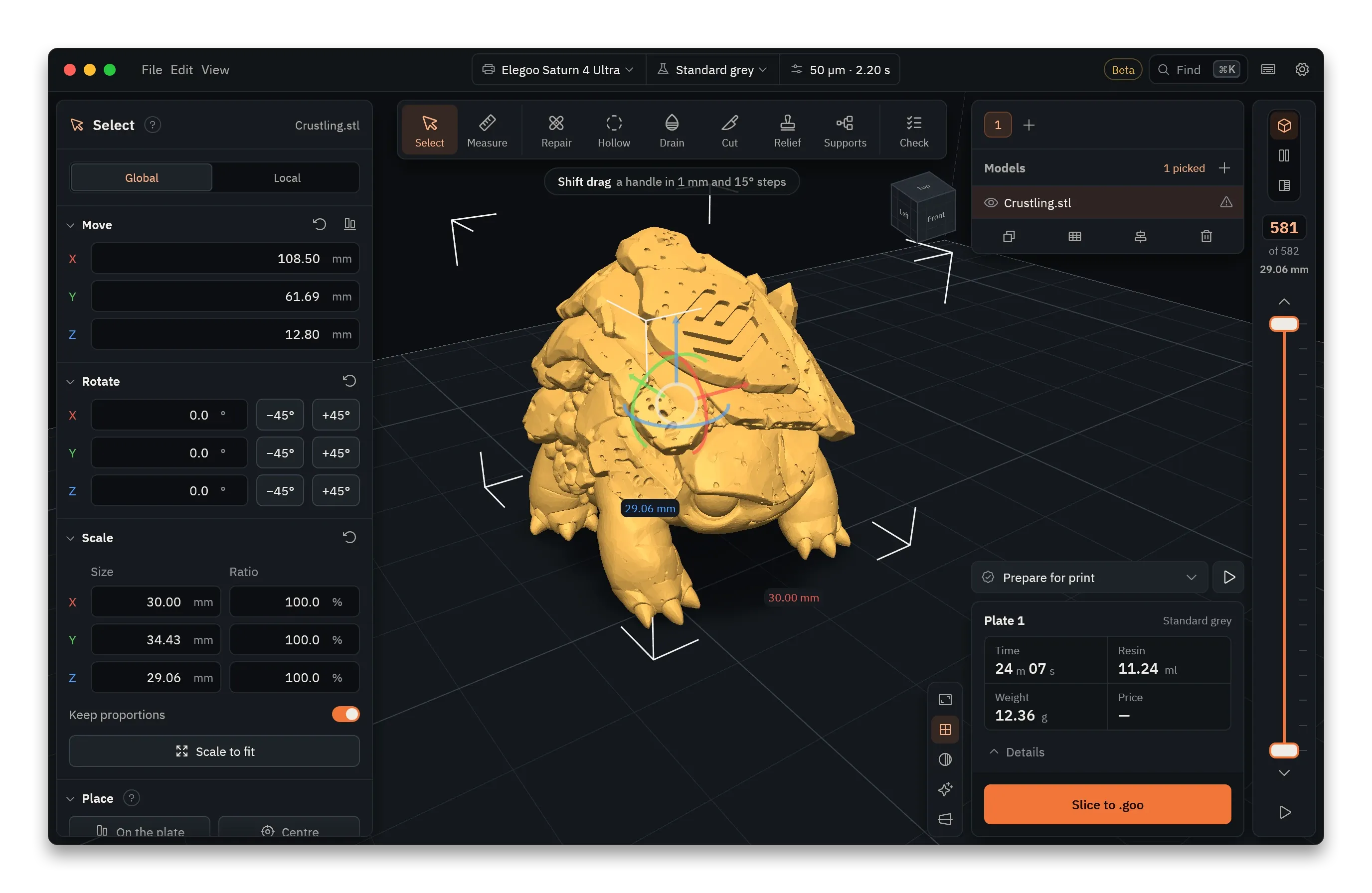
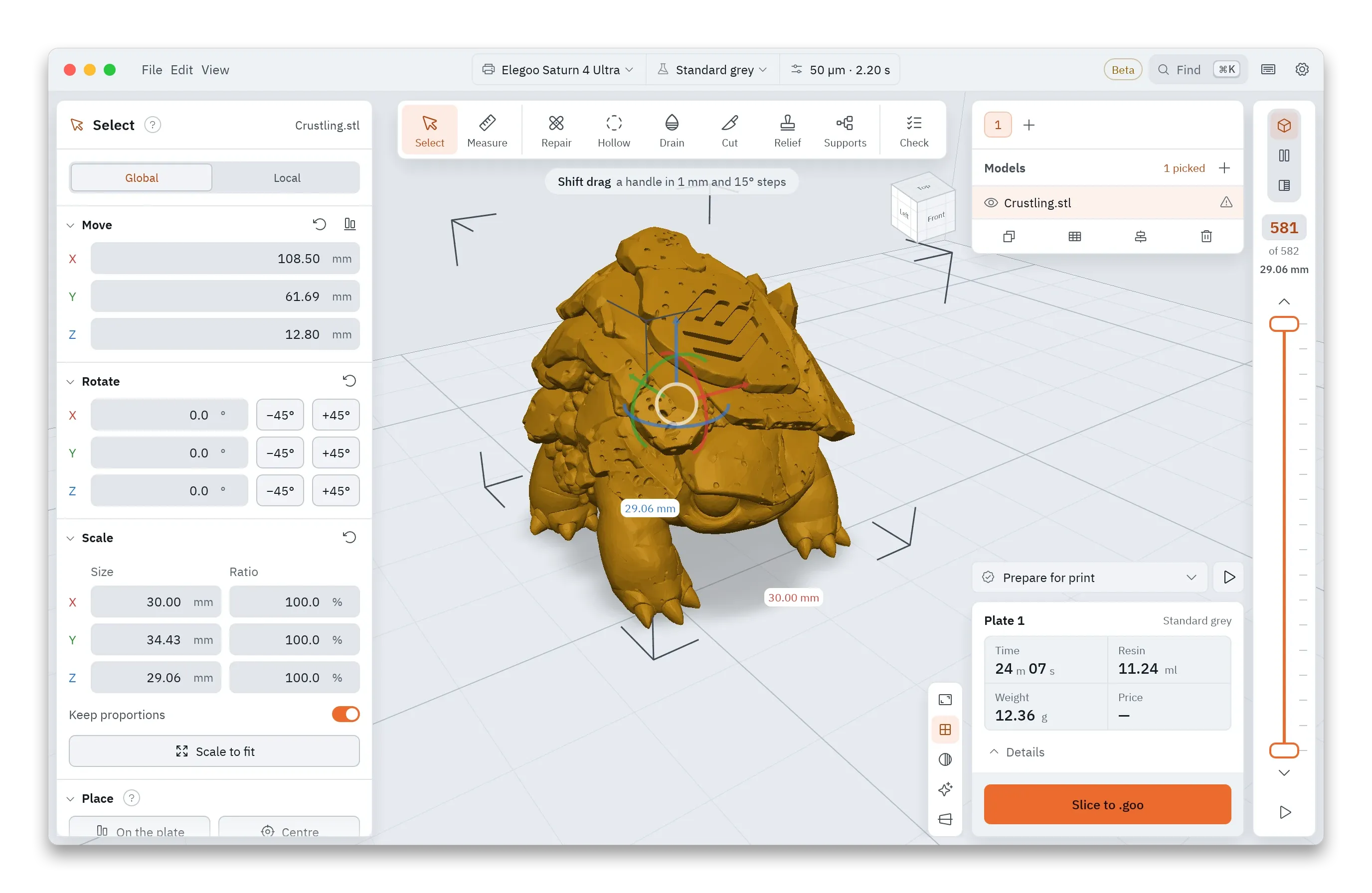
Select. Move, rotate and scale a model with the handles or by typing the numbers. Then drop it onto the plate, centre it, or scale it to fit.
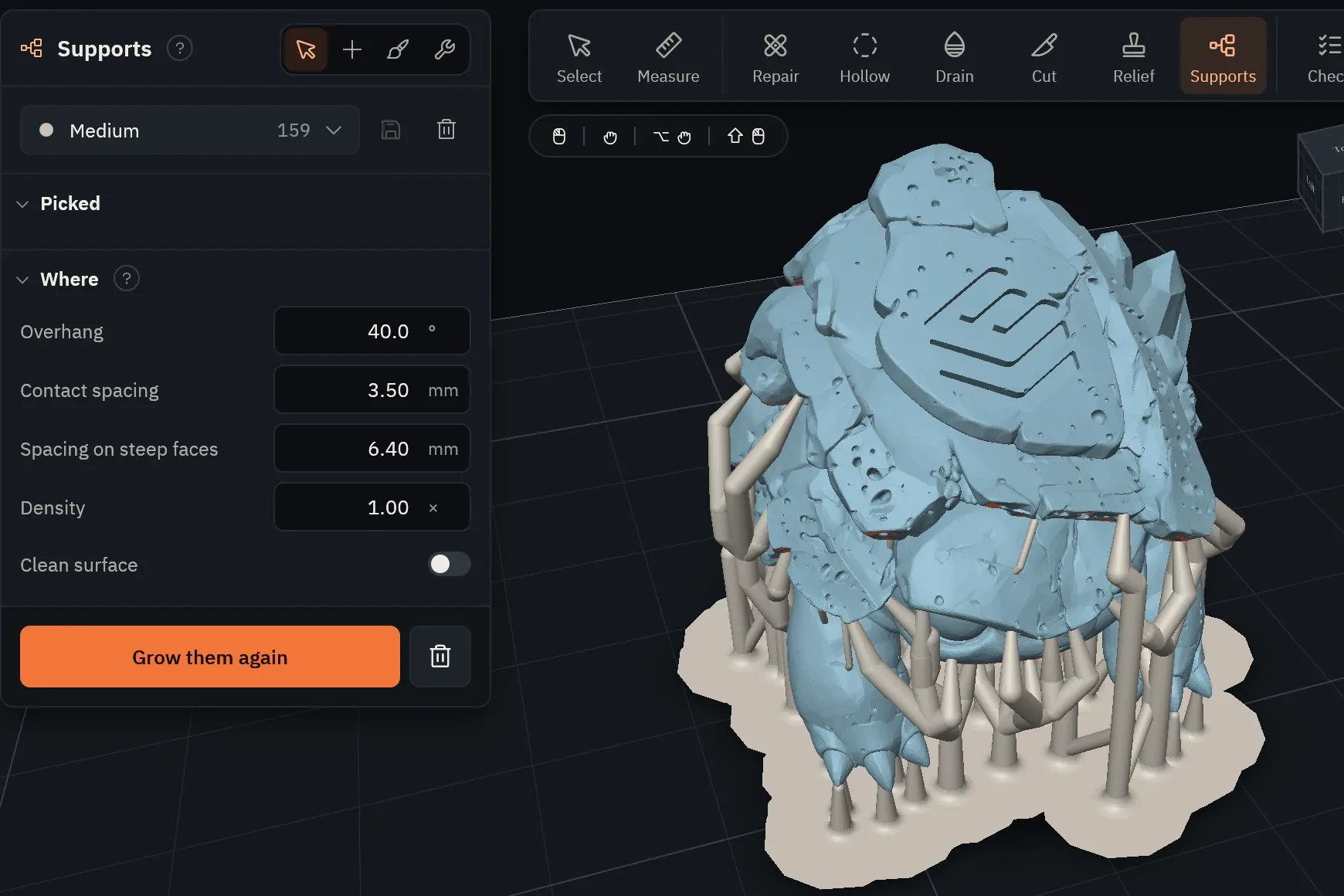
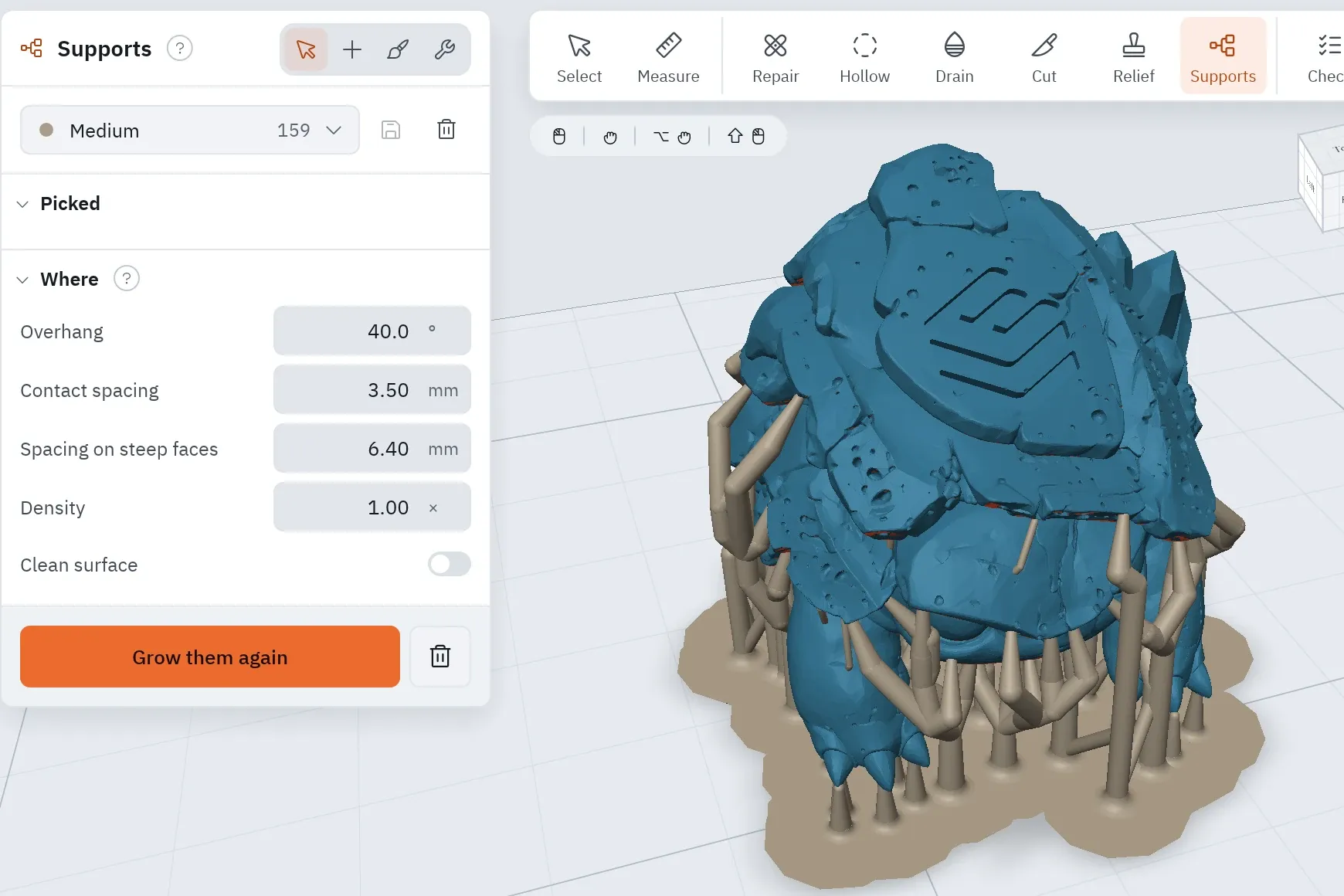
Auto puts a support under every island and overhang and sizes each one for the load it carries. Thin branches meet in shared trunks, so fewer of them reach the plate.
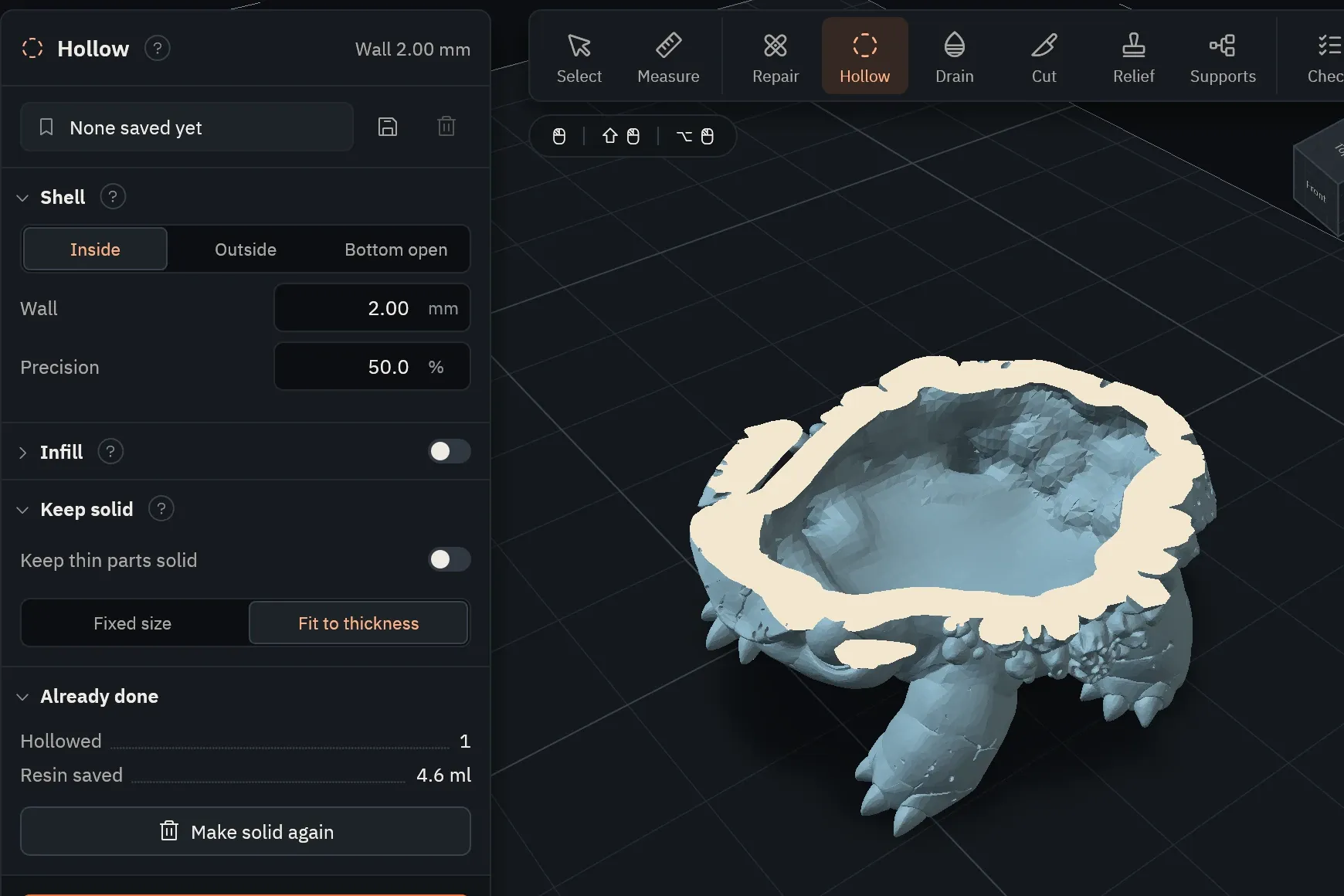
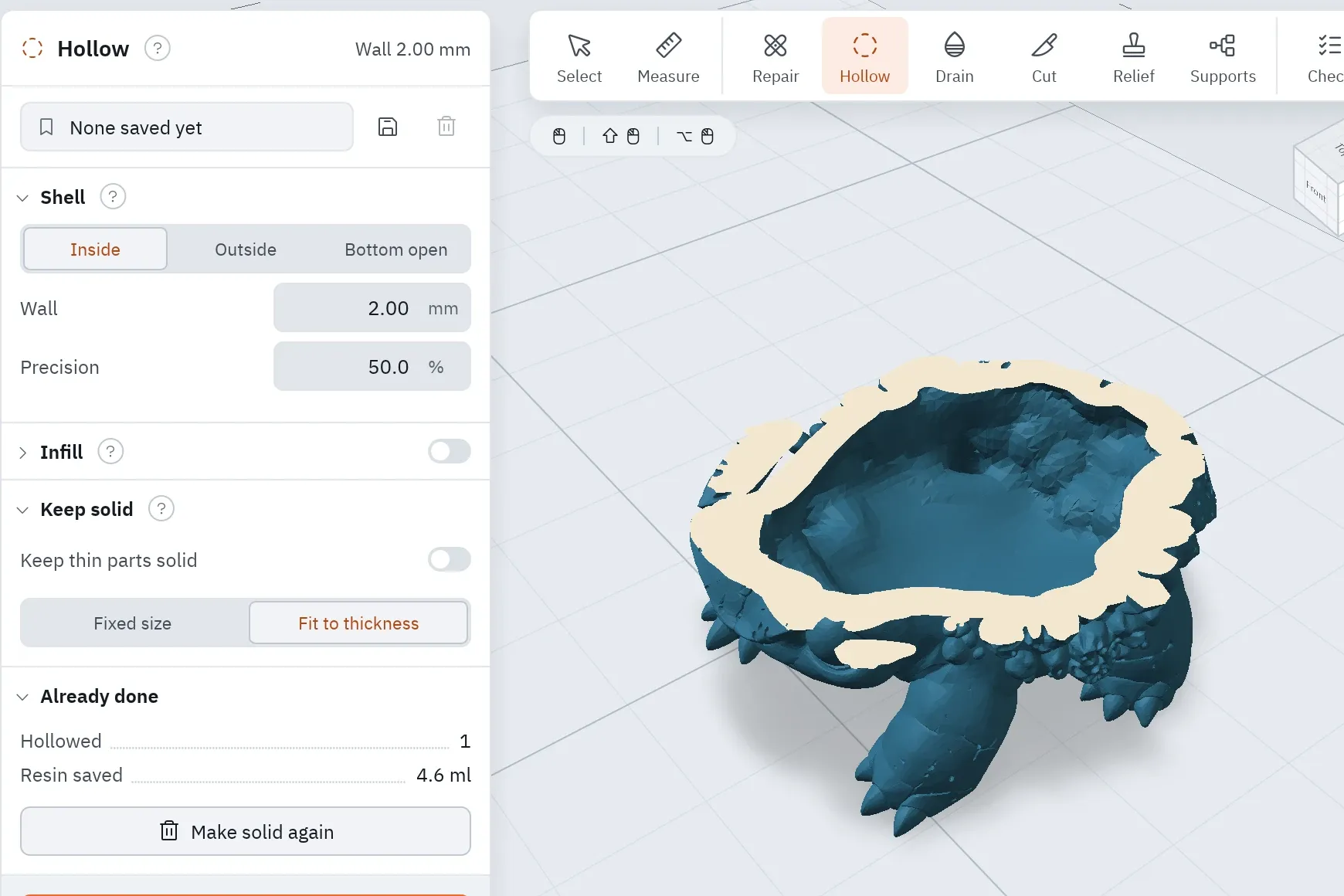
Set a wall and Encrust hollows the model. Pull the layer slider down to cut it open and see the wall before a drop of resin is spent.
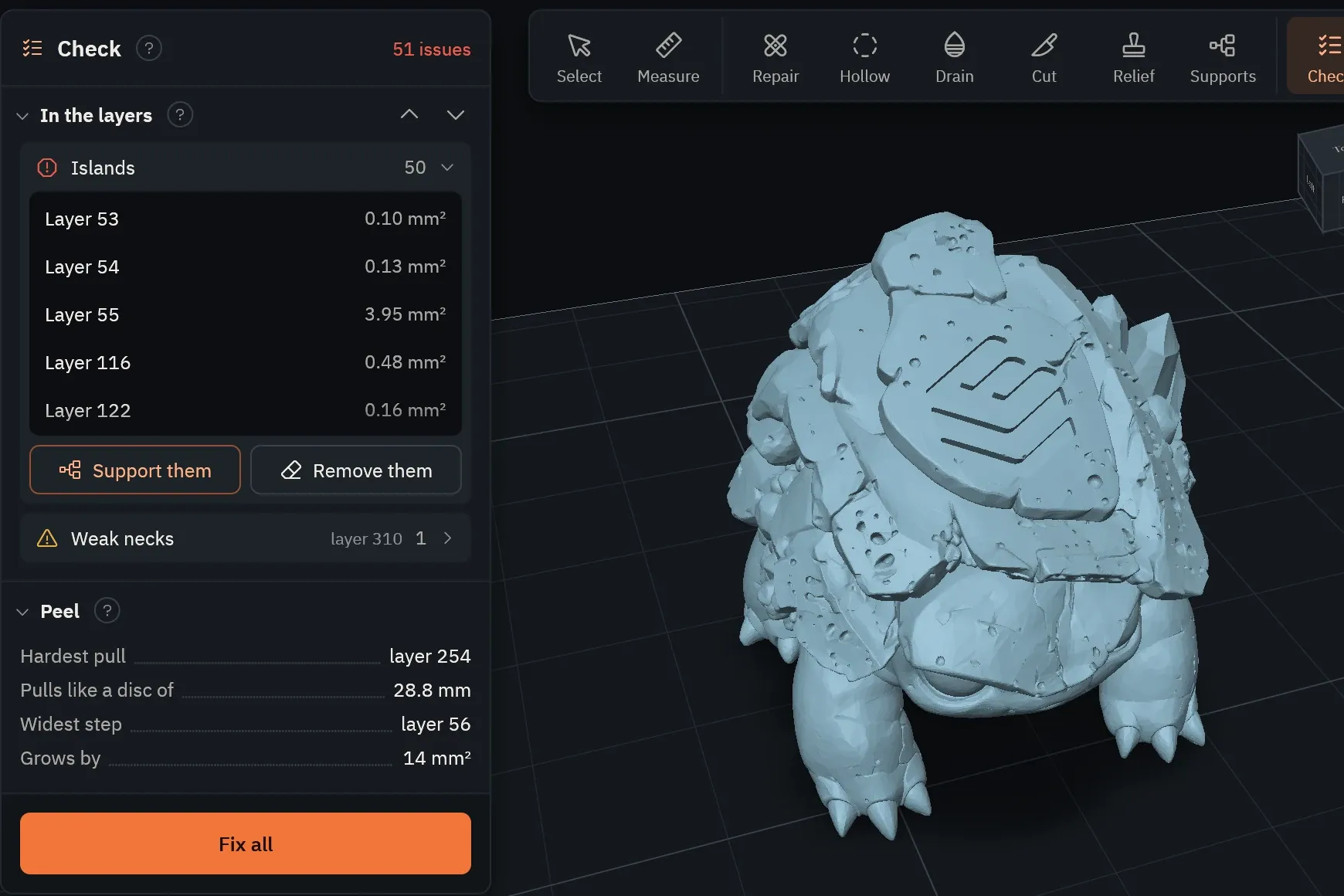
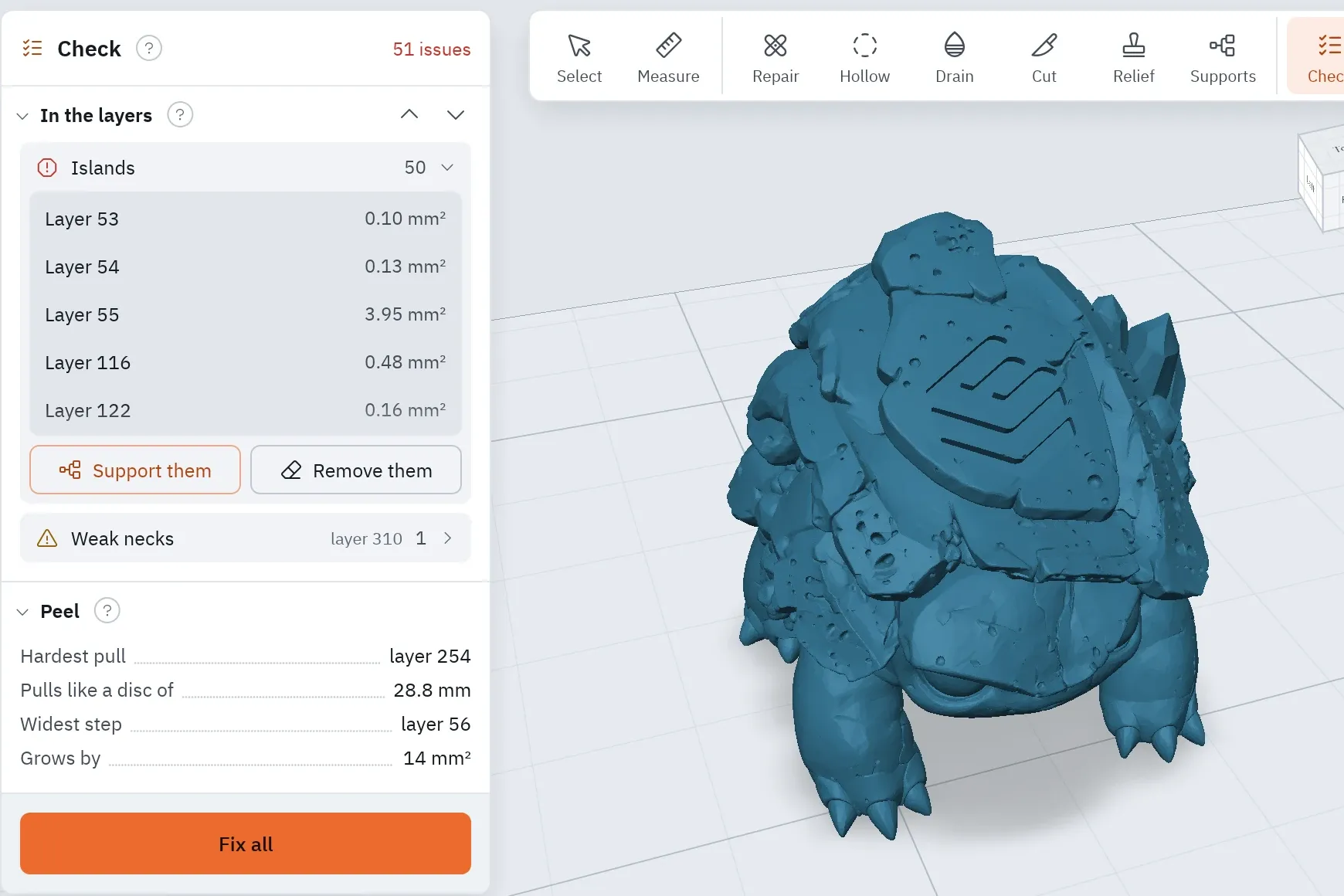
Encrust reads back the file it just wrote and looks at what will actually cure, layer by layer. Each warning comes with the number behind it.
Found one? One press fixes it: support the islands, take them out of the file, or drill the suction cups.
Turn on the render view and the plate looks as it will after printing: your resin's colour and clarity, the layer lines, and a banana beside it to show how big the model really is.
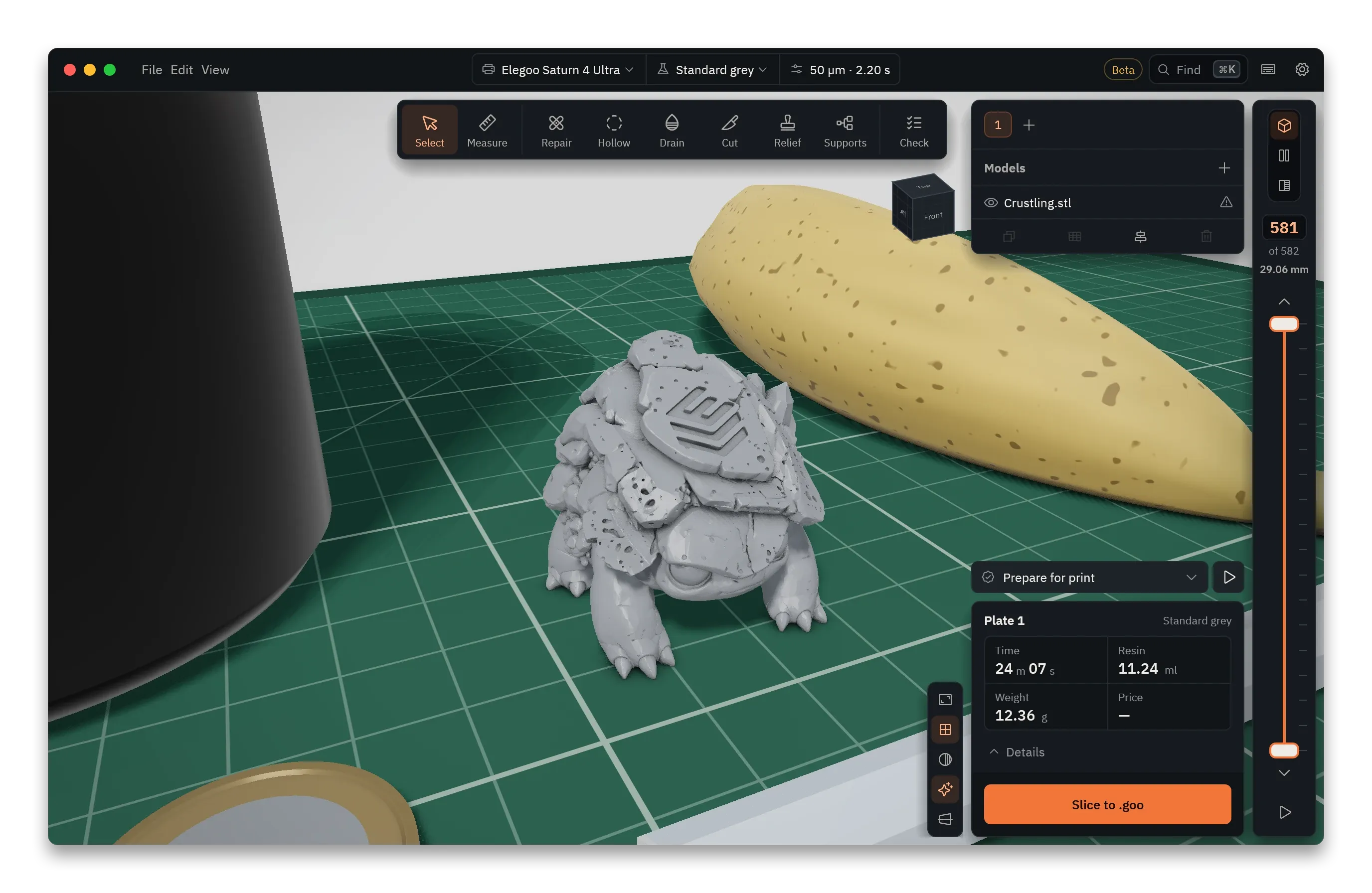
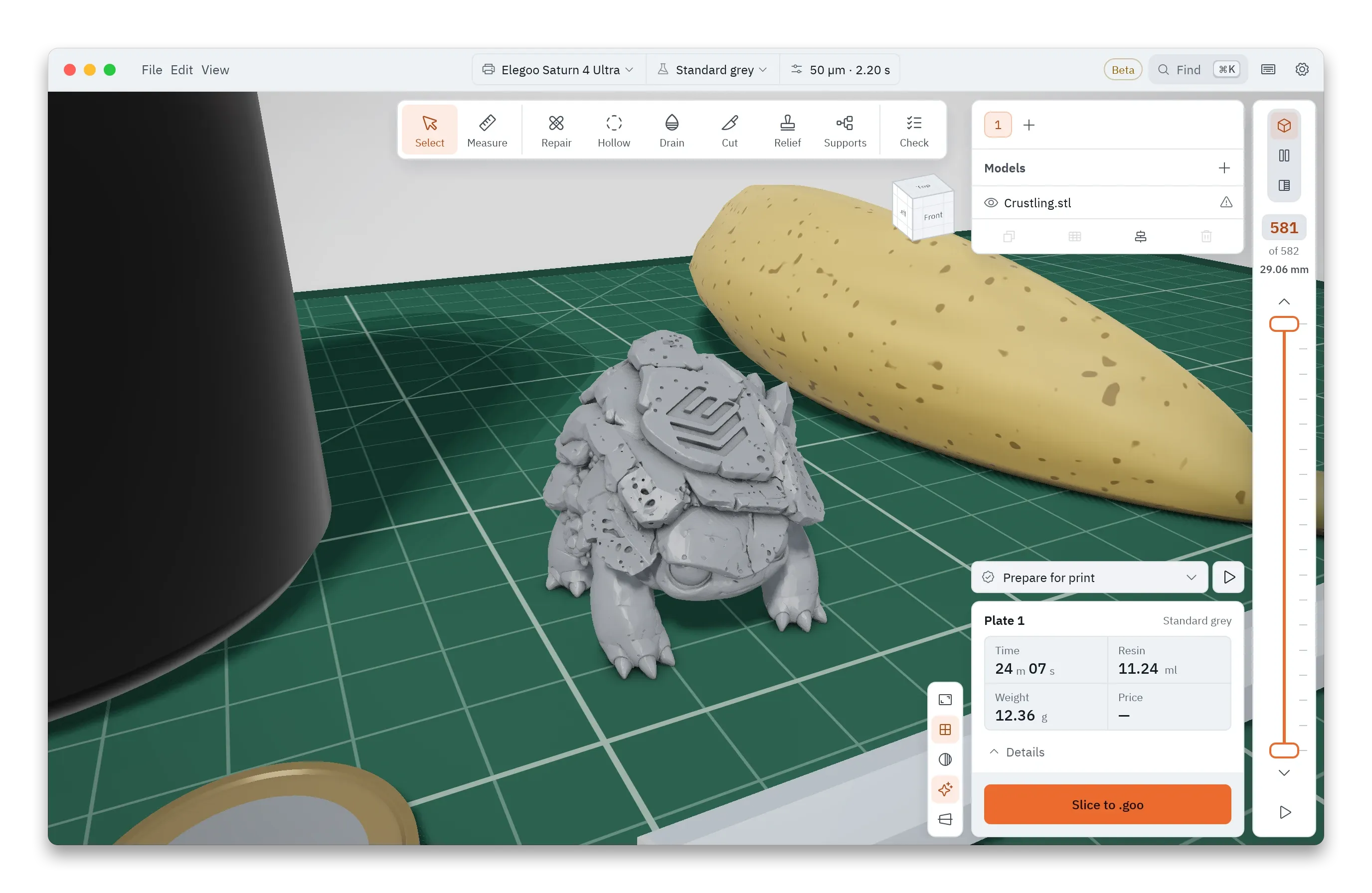
The check runs while the file is being written, and the times below include it.
| Where it ran | Time |
|---|---|
| Desktop app, 7 threads | 0.72 s |
| Browser, 7 threads | 1.2 s |
Each block is one printer’s build volume, to scale, with its screen, resolution and file format already set up. The lit ones have printed for people using Encrust, and the more reports a printer gets, the brighter it glows. Print on yours, give it a 👍, and light it up.
Supports, hollowing and slicing share one project, so you can stop after any step and save it.
Every step also runs from the command line, with no window, for scripts and batch jobs.
Slice from the command lineEvery feature, for everyone. Supports, hollowing and the layer check are all in the one free download, and you use it without signing up.
Slices, checks and sends without an internet connection. Your models never go to anyone’s cloud.
The same Rust code runs the desktop app and, compiled to WebAssembly, the browser version. All of it is open, so you can read what it does with your files.
to update from Settings. Each update is signed, and the signature is checked before it installs.
lock-in. Projects and profiles are ordinary files you can open, share and back up.

One small plate tells you the exposure your resin wants on your printer. Then print the model you came for.